ทุกคนรู้ดี adobe ลงใช้ๆไป สักแป็บ
crack ชอบหลุดทุกที ประจำคนที่ใช้ acrobat ประจำอย่างผม มีปัญหาเรื่องนี้ประจำ ปวดตับ
ต้องมาคอยหาตัวดีลงใหม่ เรื่อยๆ
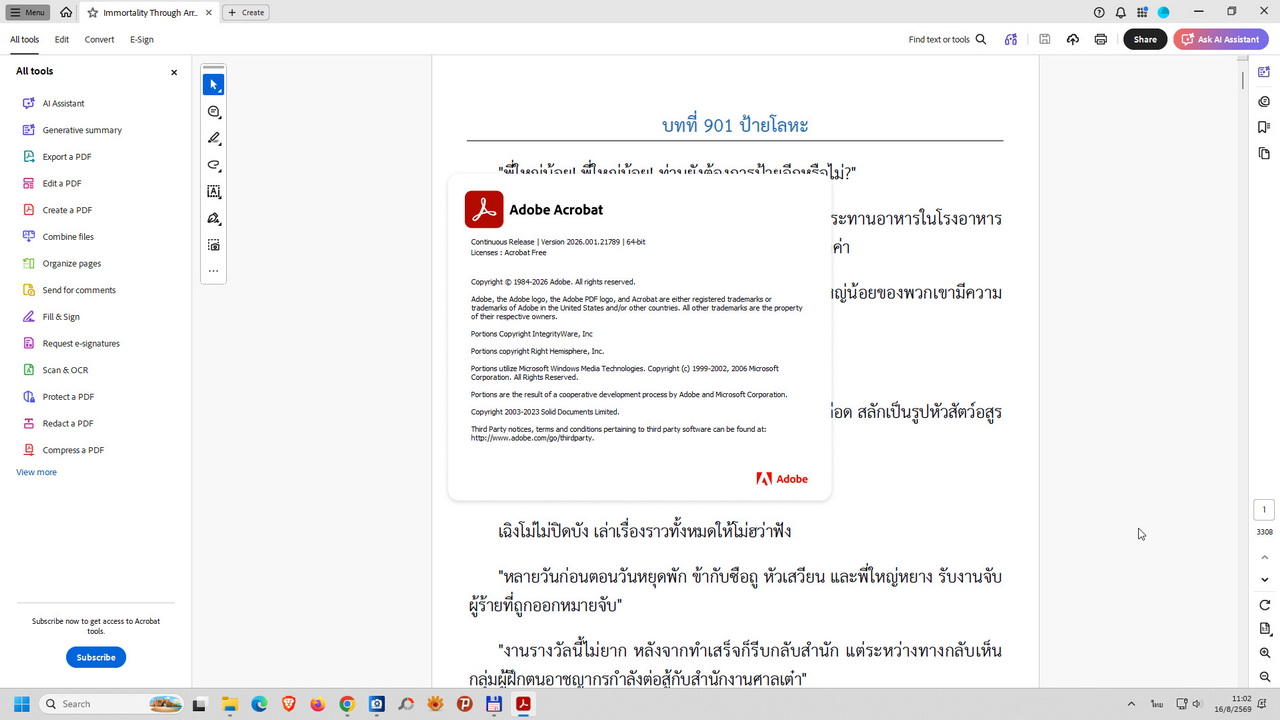
ก็เลยไปหาตัวใหม่ลง ตอนนี้ใช้ตัวนี้ ยังใช้ดีอยู่ตอนนี้
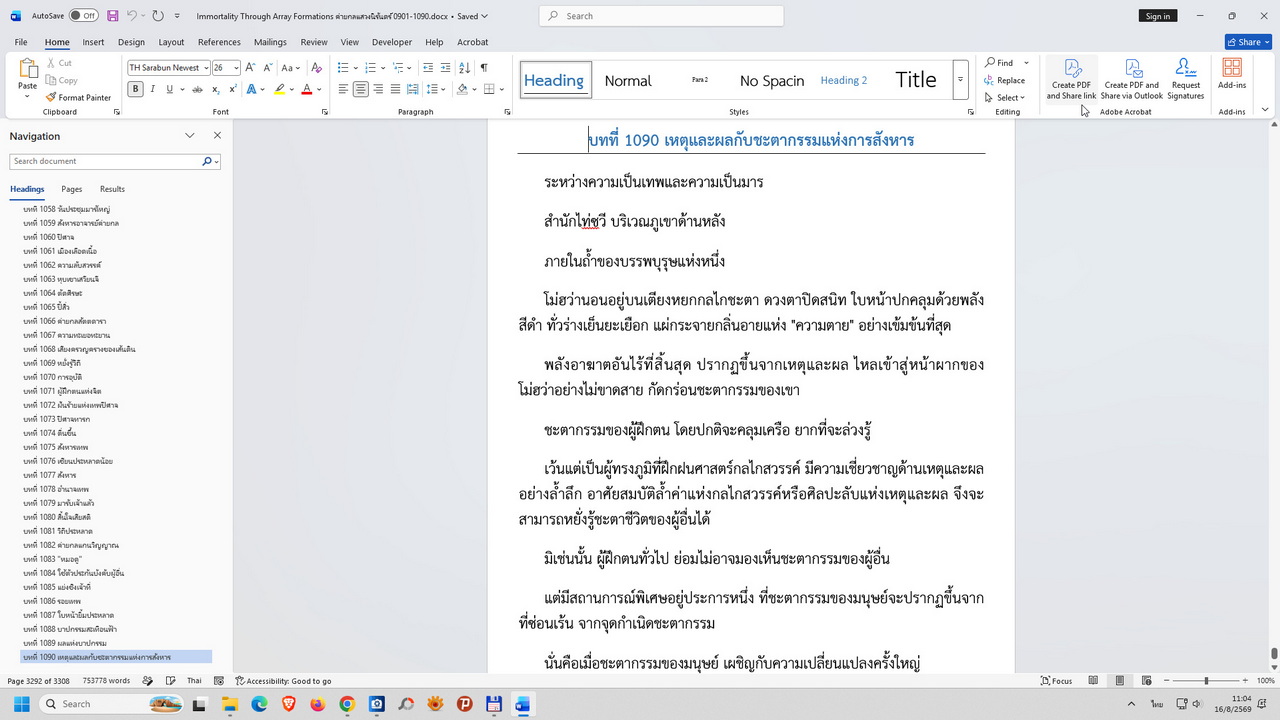
ก็ใช้แปลง docx to pdf นิยายจีนปล่อยอยู่
ตัวนี้ setup.exe nod ไม่ฟ้องแดกนะ
Year/Release Date : 07.2026
Version : 2026.001.21771
Developer : Adobe
Developer s Website : www.adobe.com
Bit depth : 64bit
Interface language : Multilingual
System requirements :
Windows 10(1809 or later) / 11
Des--cription :
Acrobat Pro is a completely [img]pic/up_date.gif[/img]d desktop version of the world s
best PDF solution. This solution includes a mobile app that lets you
sign and send PDF files and fill out forms from any device. And with
Document Cloud services, you can create, export, edit, and track PDF
files by opening them in any web browser. The latest versions of your
Installation:
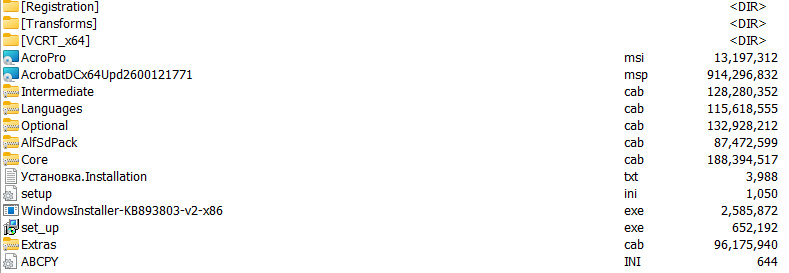
Run the setup.exe file (x86 or x64), uncheck Install Adobe Genuine
Service (AGS) and select the desired settings if necessary.
* ผมไม่เห็นมีให้เลือก uncheck ตามที่มันบอกเลย ก็เลย setup nextๆๆ ไป
Wait for the installation to complete,
DO NOT START the program , and click Finish .
Run the [img]pic/up_date.gif[/img] file AcrobatDCx64Upd2600121771.msp and click
Update. When the installation is complete, click Finish.
DO NOT LAUNCH the program!
From the Registration folder, run FilesReplaceX64.exe and receive
the message: The files have been replaced. - OK.
(This will replace the files: Acrobat.dll, acrodistdll.dll,
acrotray.exe with the registered ones.)
ปิด updateด้วย ถ้ามีฟ้องที่ tray ก็ปิดไป
Blocking hosts:
Run BlockHosts.exe from the Registration folder (this will add the
necessary entries to the hosts file). Do not run BlockHosts.exe if you
have already applied hosts blocking for Adobe Acrobat Pro DC.
Remove the hosts block by deleting the Adobe Acrobat Pro DC lines in
the hosts file, accessing the hosts shortcut.
Block Firewall only when necessary.
Firewall Blocking:
Run BlockFirewall.exe from the Registration folder. This file will block
Adobe Acrobat Pro DC executable files from accessing the network. You
will receive the message: Adobe Acrobat Pro DC Firewall is blocked.
Unblock Firewall:
Run UnblockFirewall.exe from the Registration folder. This file will
unblock network access for Adobe Acrobat Pro DC executable files. You
will receive the message: Adobe Acrobat Pro DC Firewall Unblocked.


ไม่มีความคิดเห็น:
แสดงความคิดเห็น